Remote pilot · clear scope

Digital sales for machine builders

Configure machines.
Build certainty.

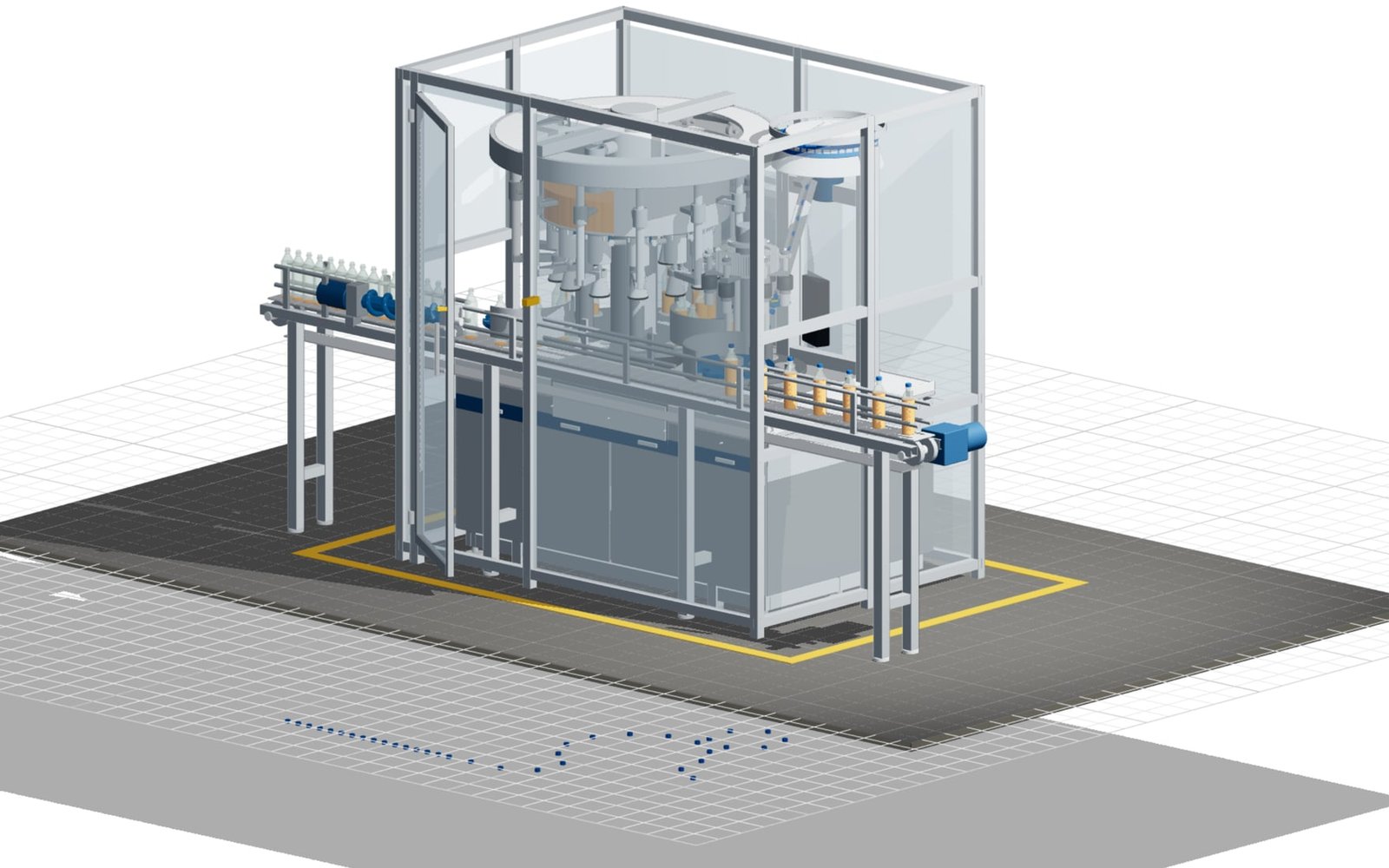
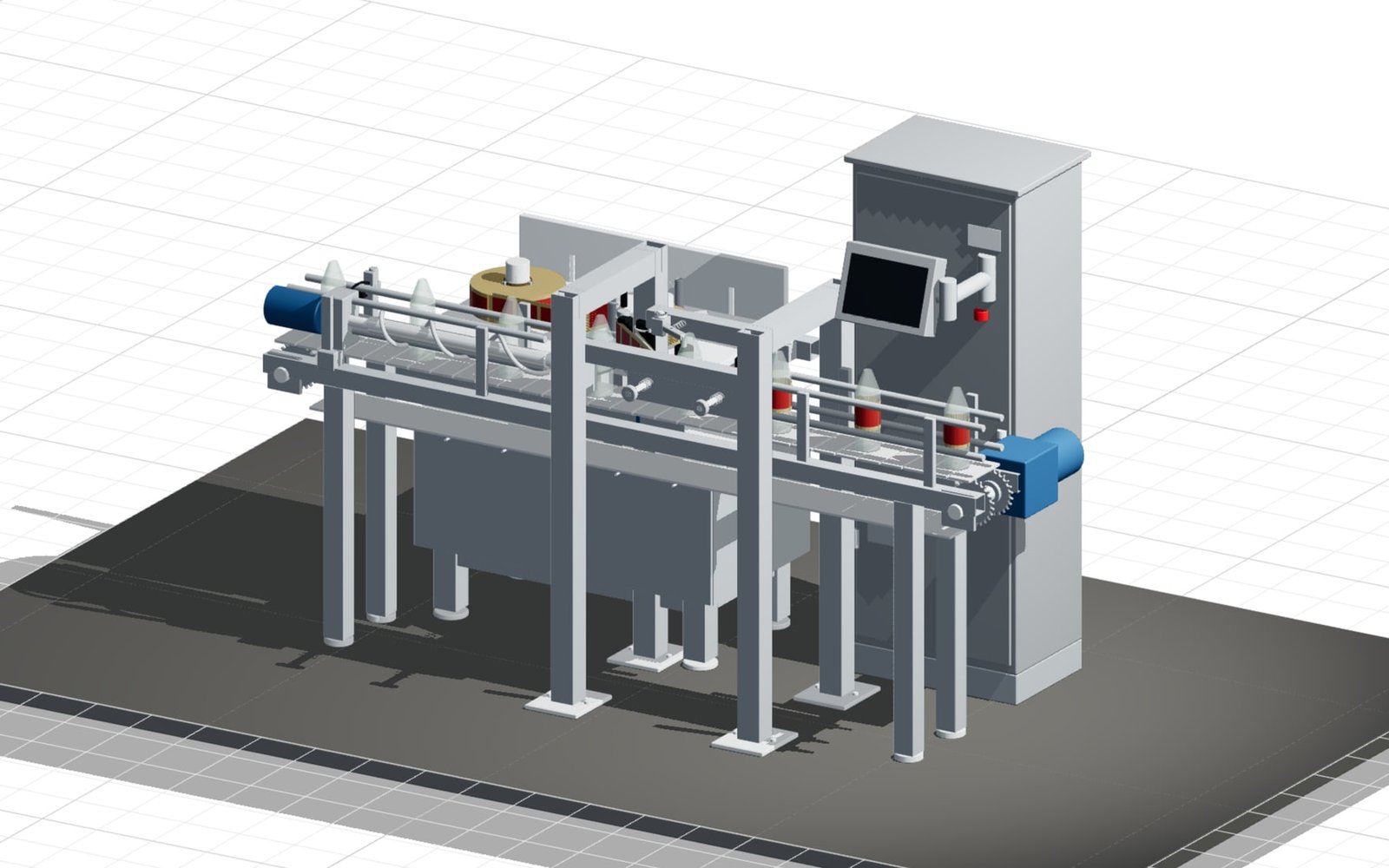
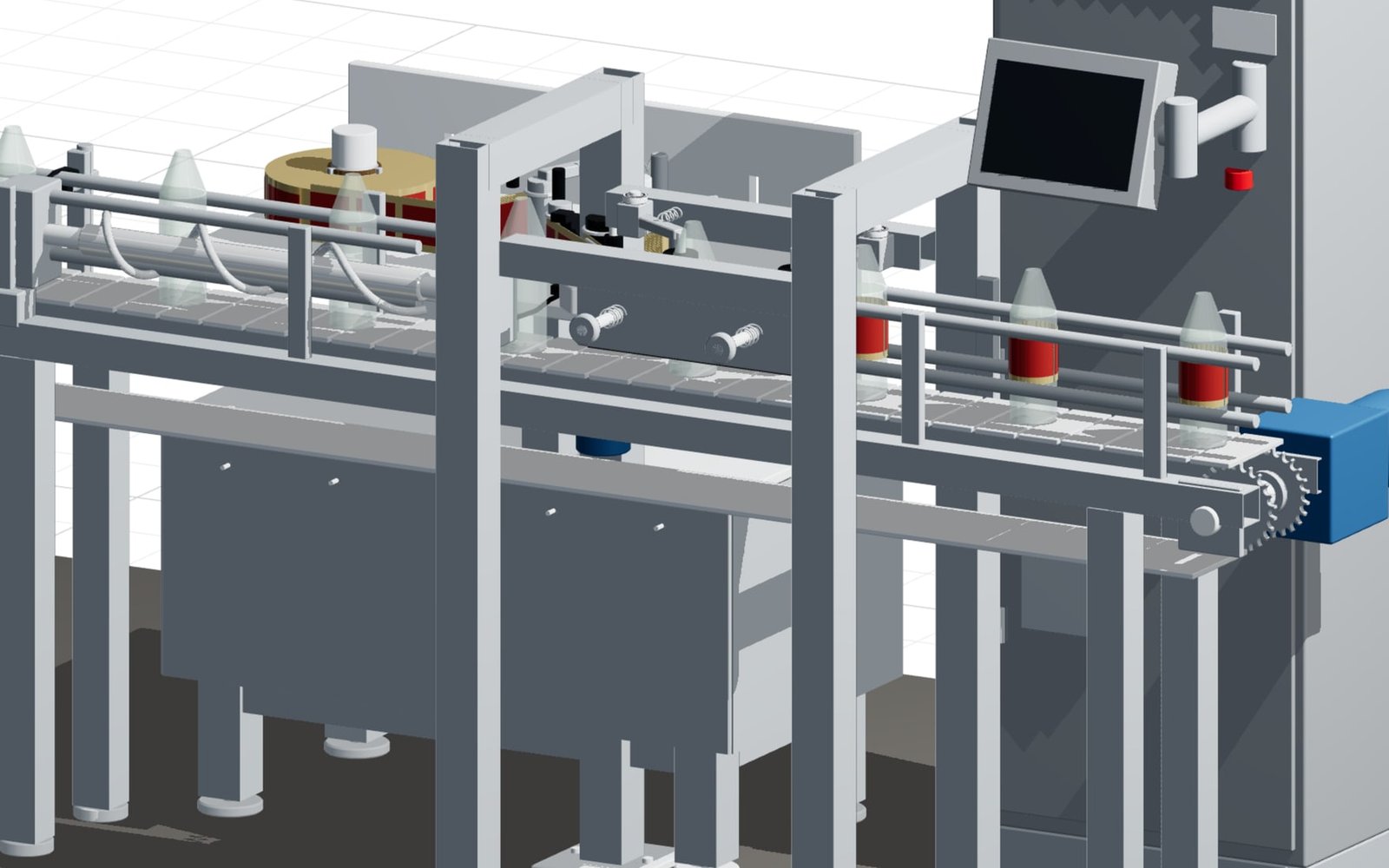
Dimensions, performance, modules, drives and options are selected directly on a live 3D model. Your sales and engineering teams receive one feasible machine variant—not an email full of assumptions.

Feasible by designrules protect every option
CAD-ready outputparts, interfaces & parameters
White labelon your own website
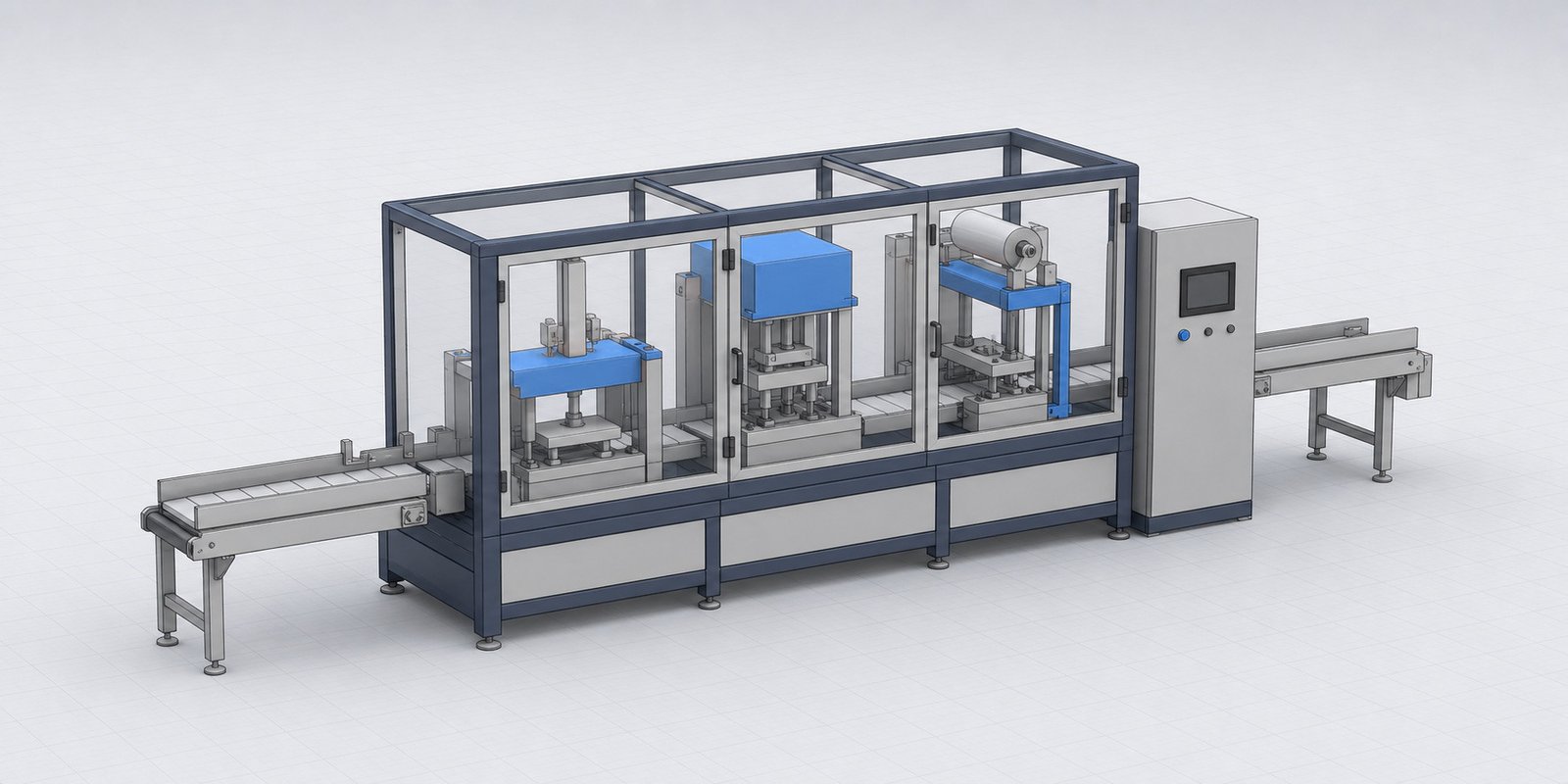
your-brand.com/machine-configurator LIVE 3D
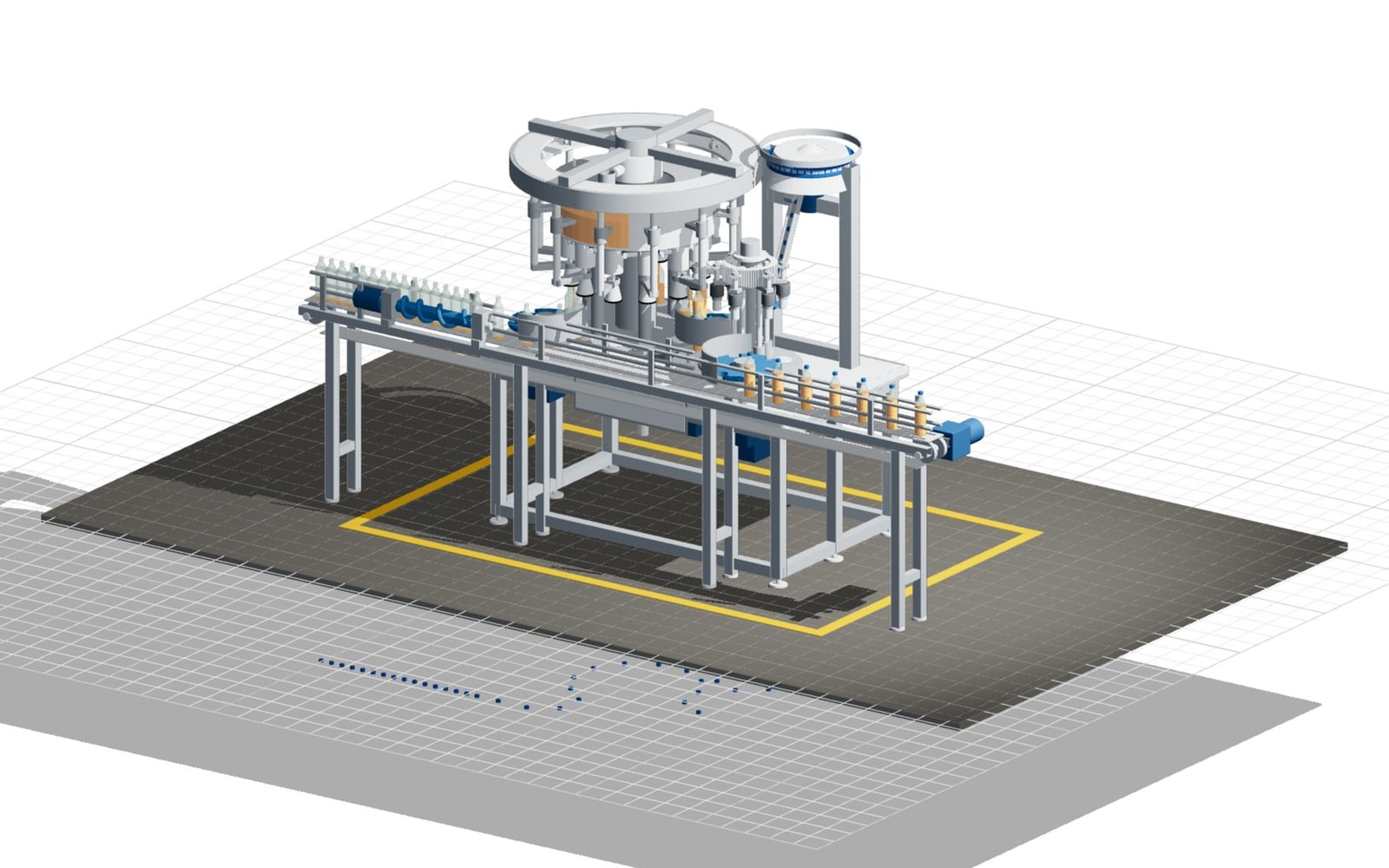
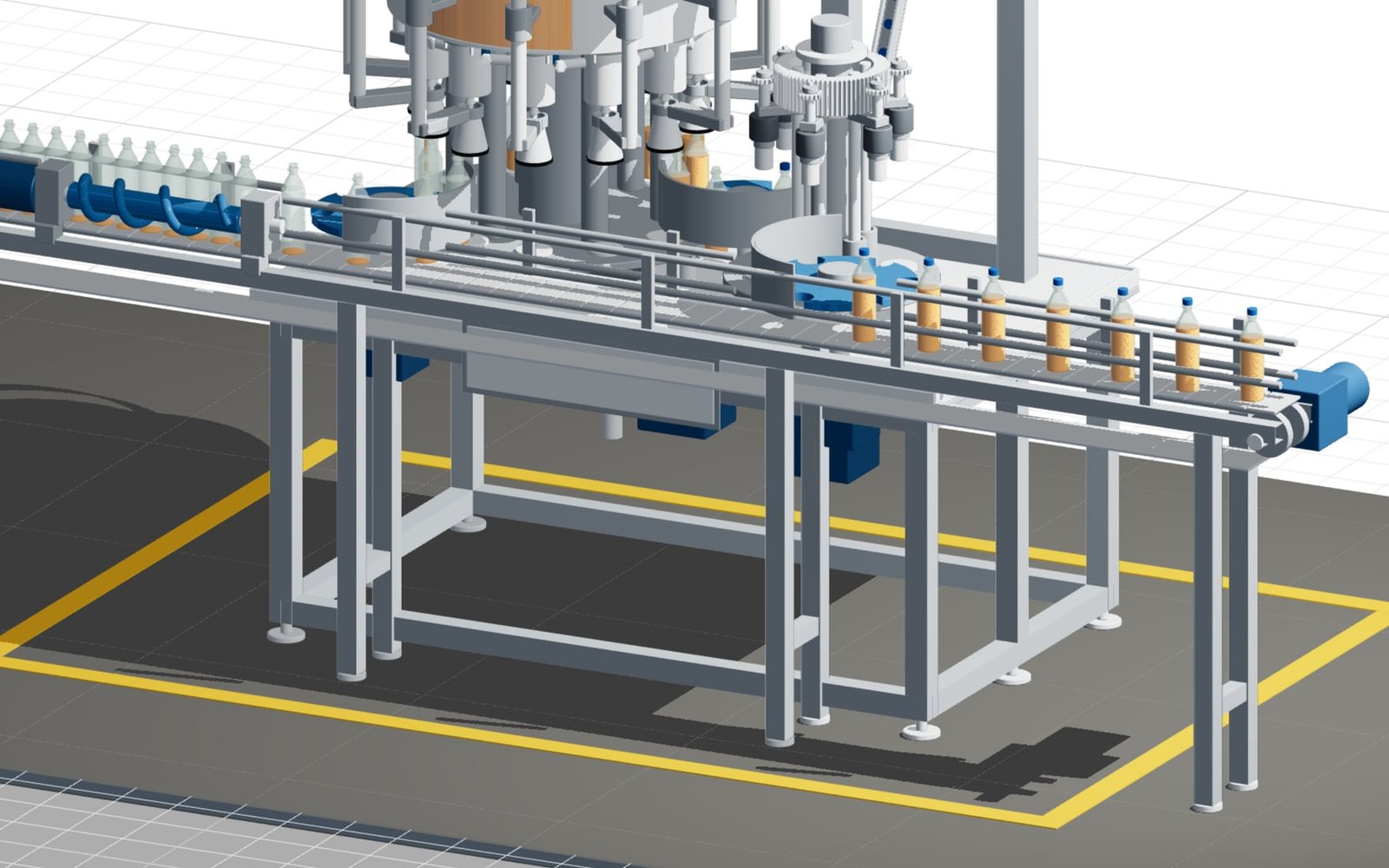
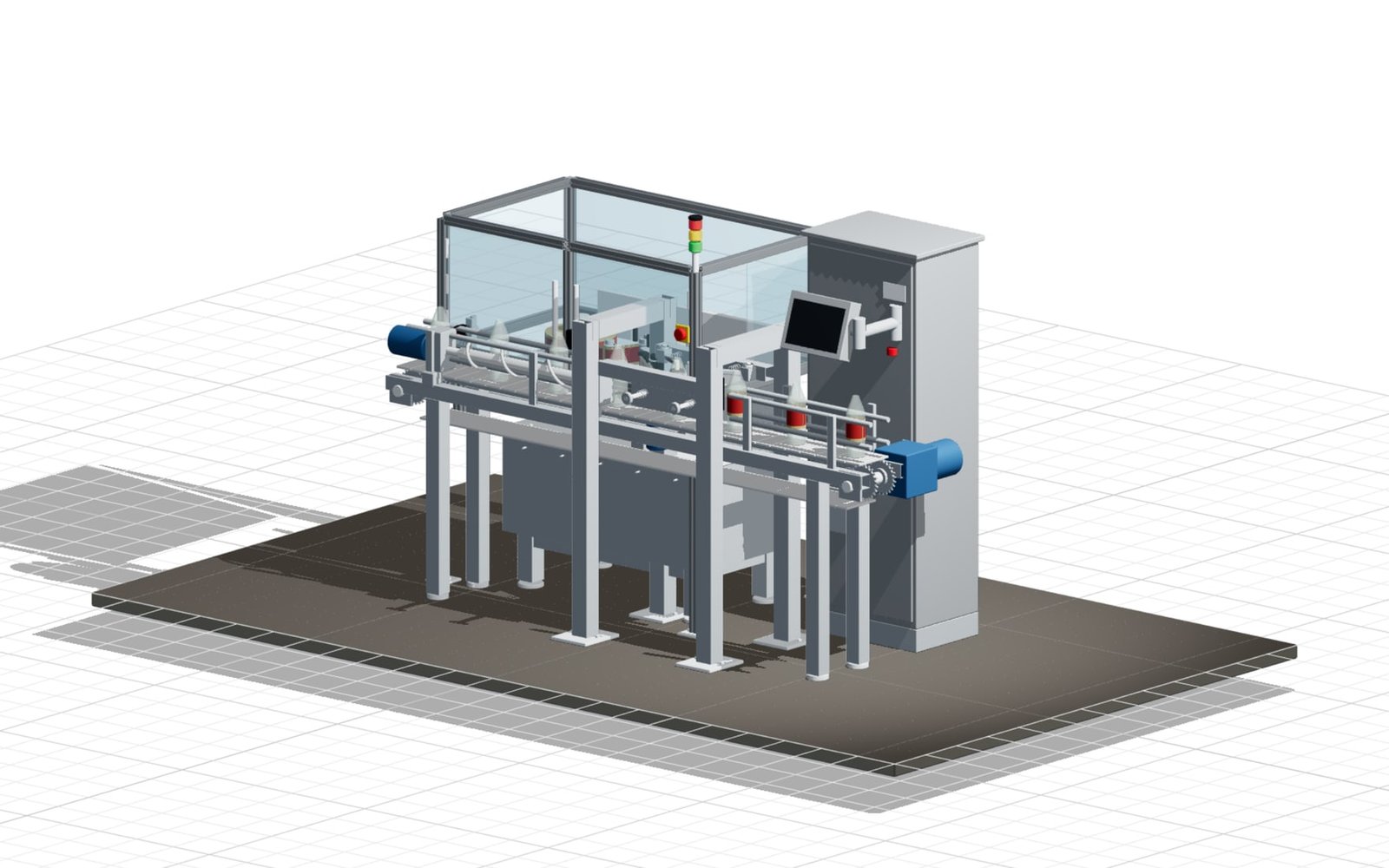
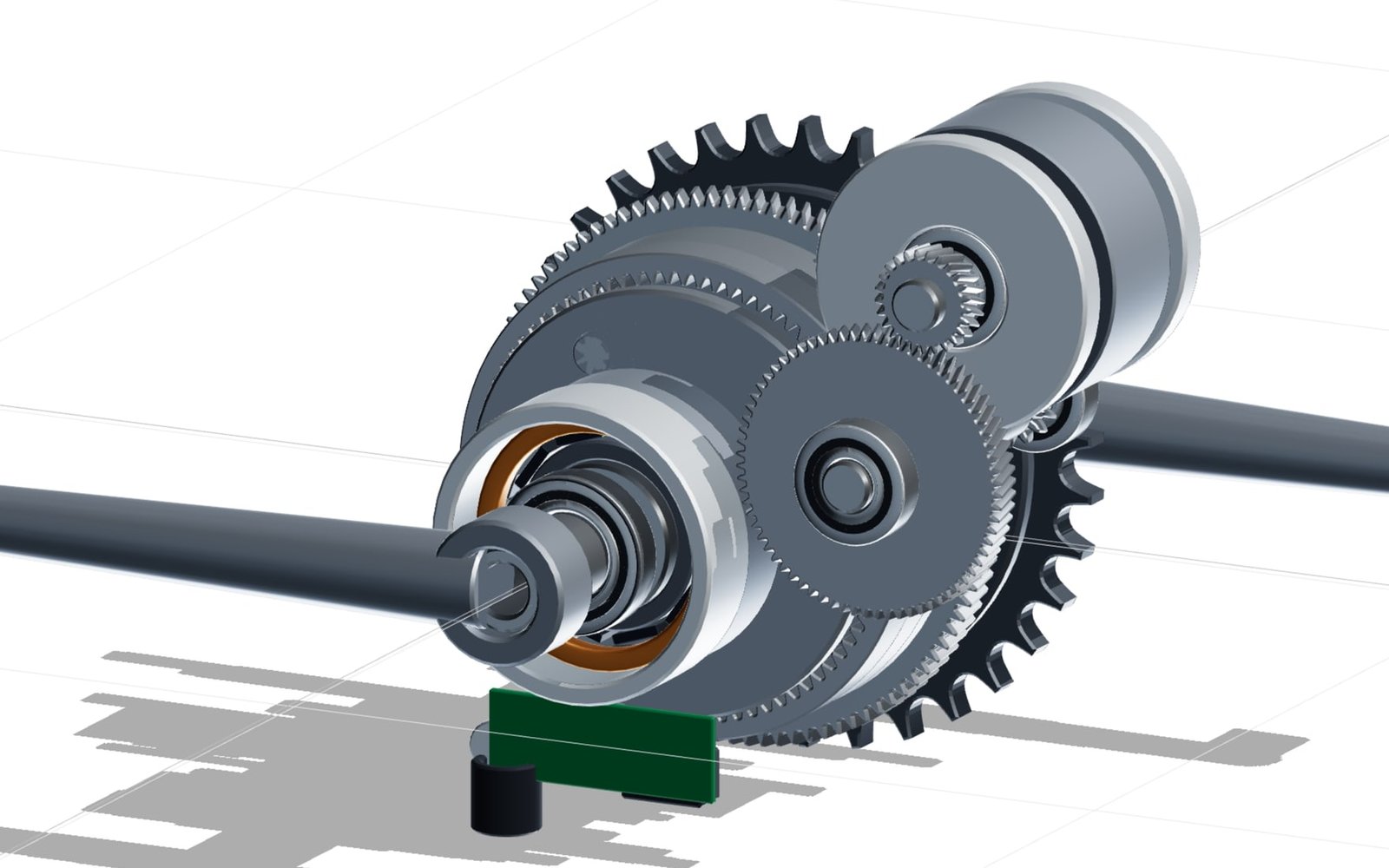
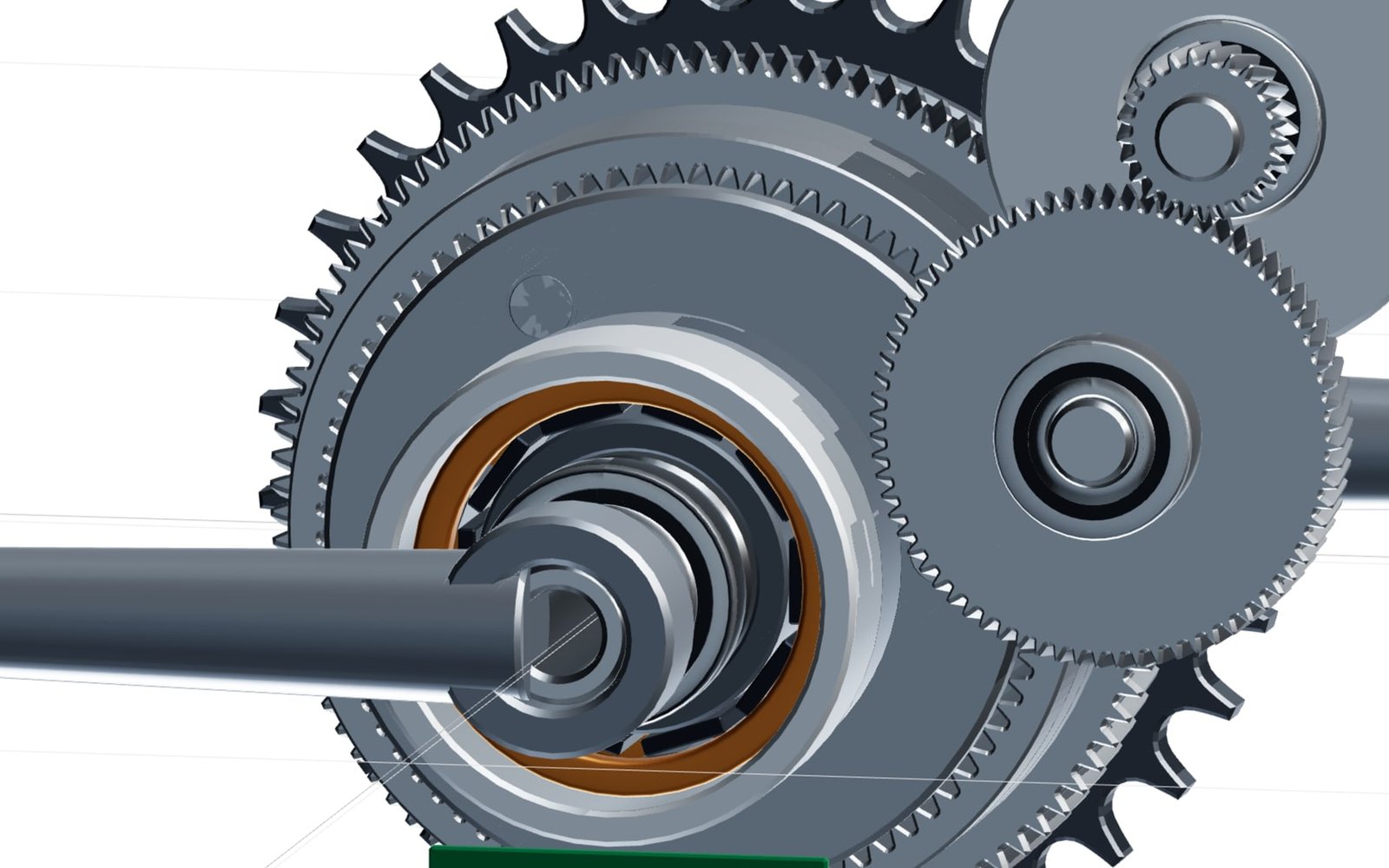
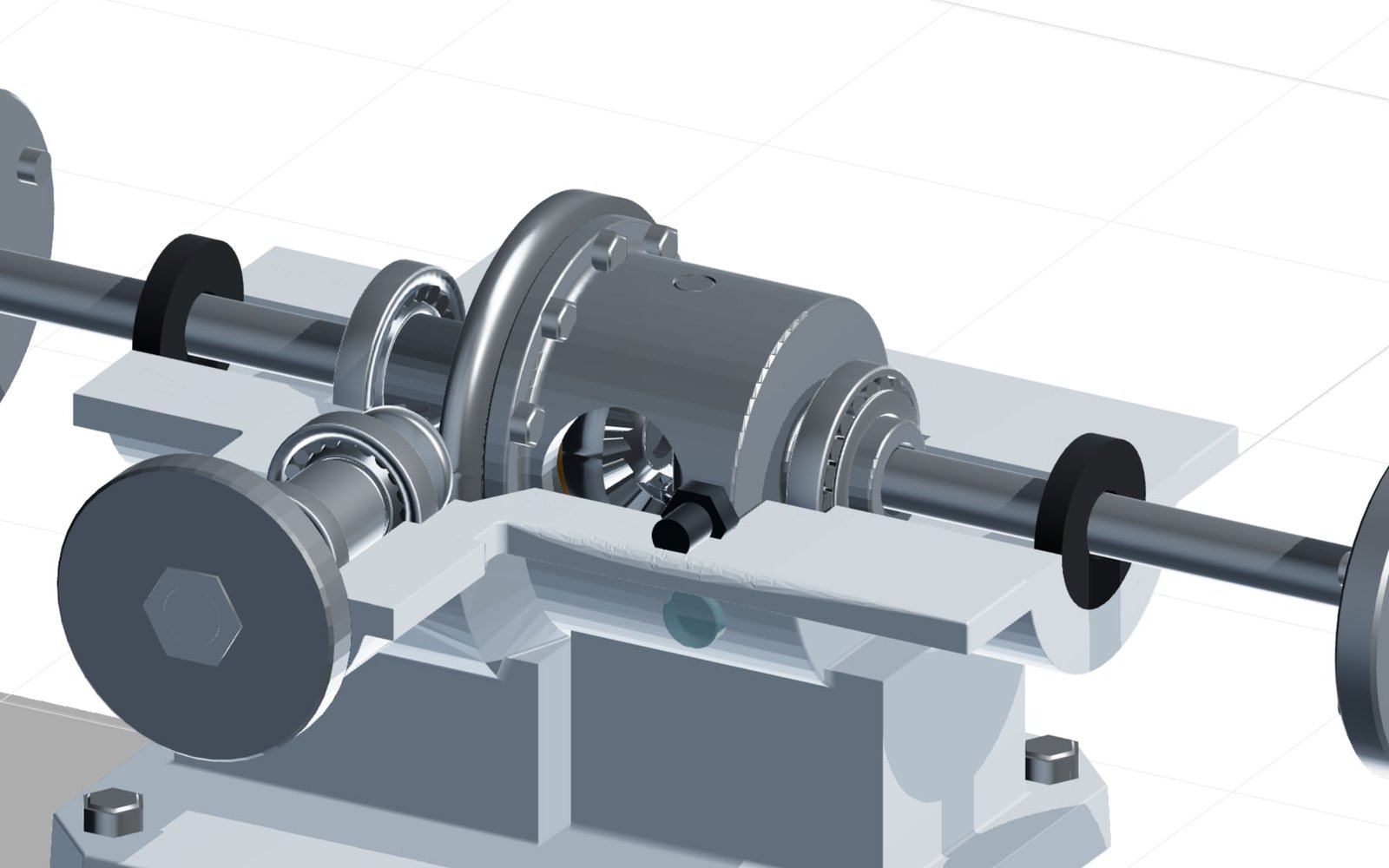
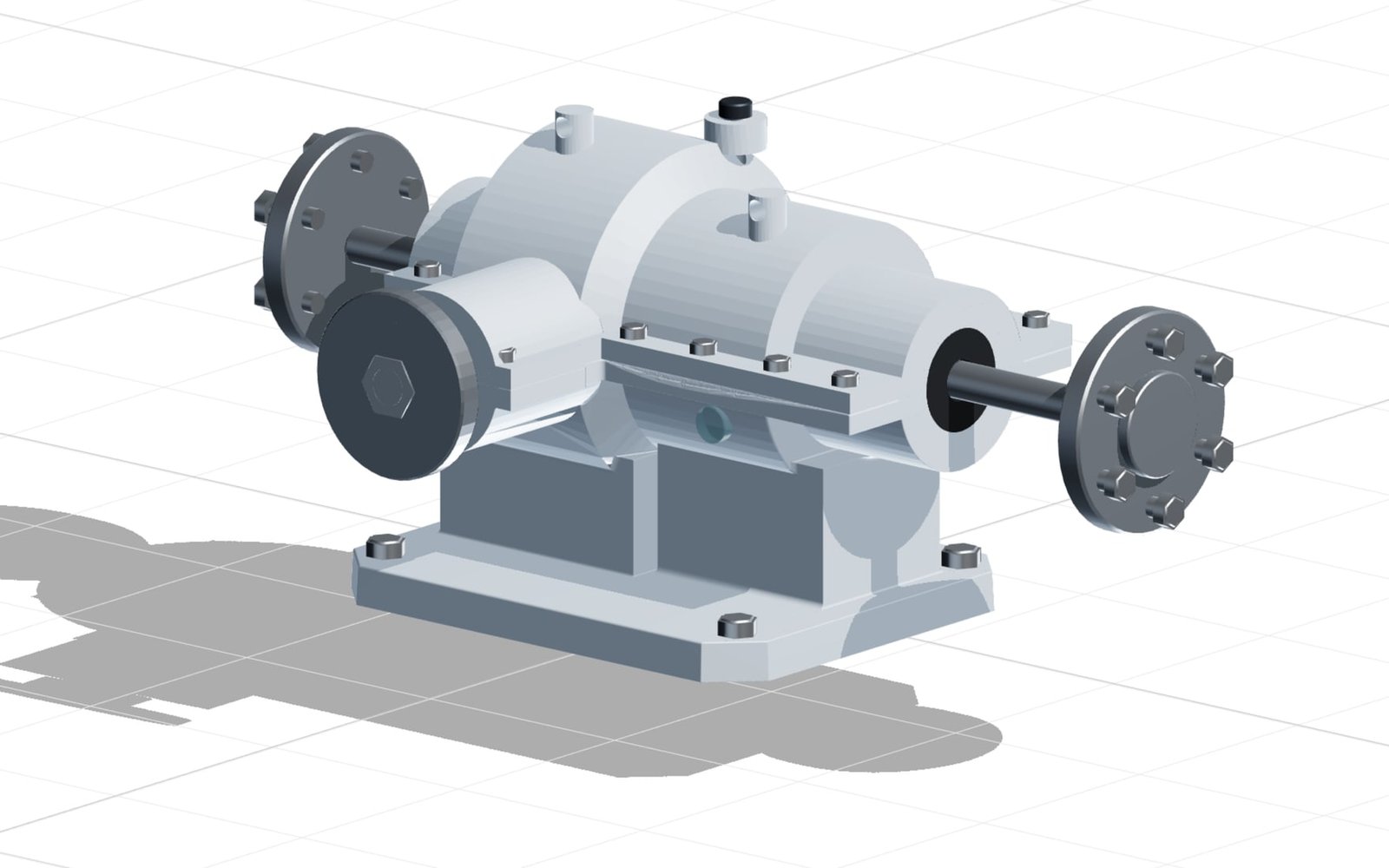
Simplified CAD view of a modular configurable production machine
Configuration
Working width900 mm
Output120 units/min
Driveservo
Variant completeReady for enquiry
Built for Production machinesAssembly systemsPackaging equipmentSpecial-purpose machinery

From requirement to a defined machine

Guide the selection.
Qualify the opportunity.

Machine projects involve dependencies between performance, footprint, safety, tooling and automation. confBuild makes those dependencies visible while a prospect configures the system.

  1. 01

    Define the production task

    Capacity, product dimensions, process modules and interfaces are selected on the 3D model.

  2. 02

    Validate machine rules

    Rules keep power, mechanics, guarding and options within the possible product range.

  3. 03

    Hand over a qualified variant

    Sales and engineering receive the configuration, views and parameters as a clear starting point for quotation.

SALES-READY RESULT

A credible machine concept instead of an open-ended request.

Prospects see what they are buying; your team starts with a technically coherent variant.

  • Interactive 3D machine view
  • Modules, dimensions & performance
  • Structured basis for CAD and quotation
Map this workflow

Recent confBuild projects

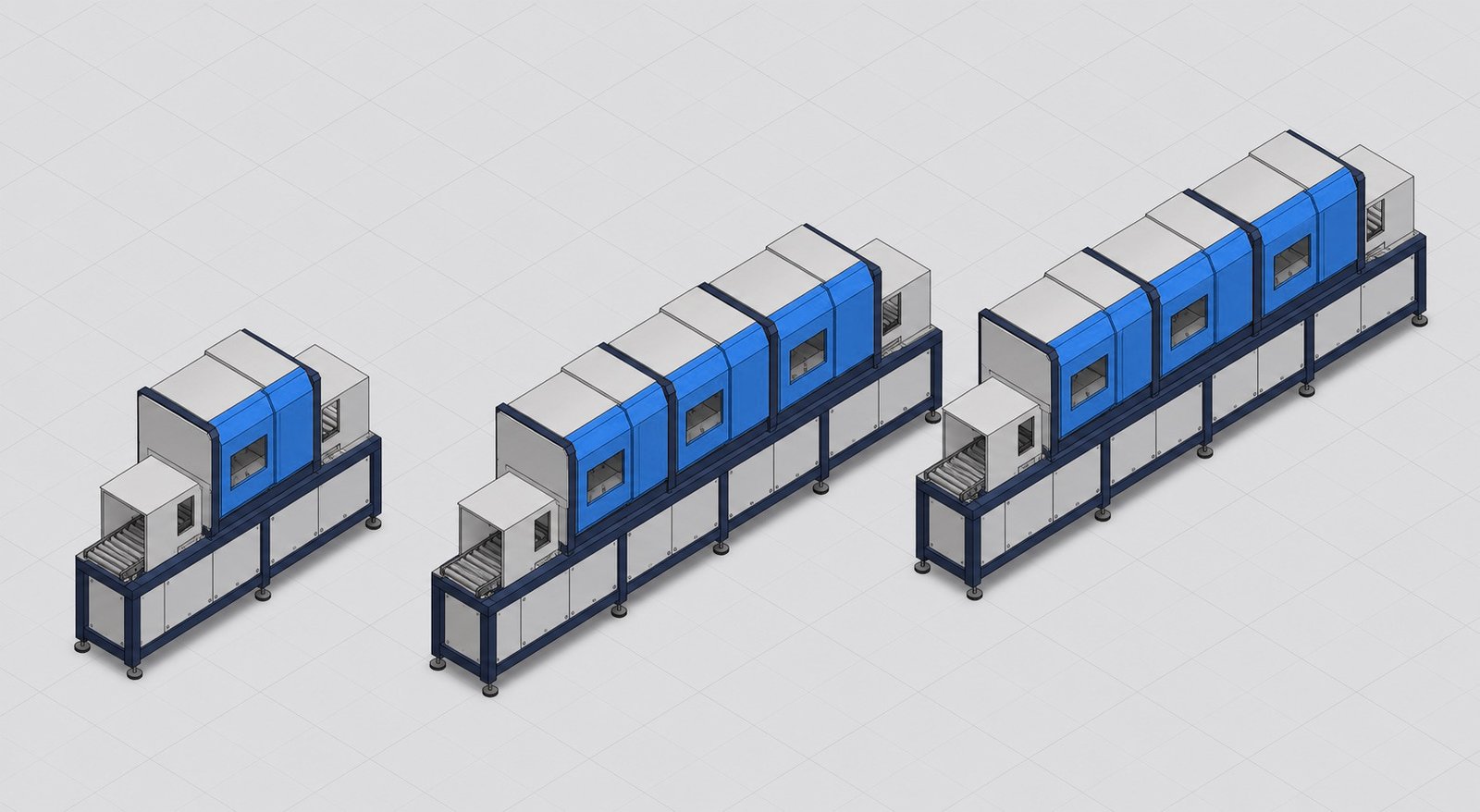
From a standard machine
to a configured production system.

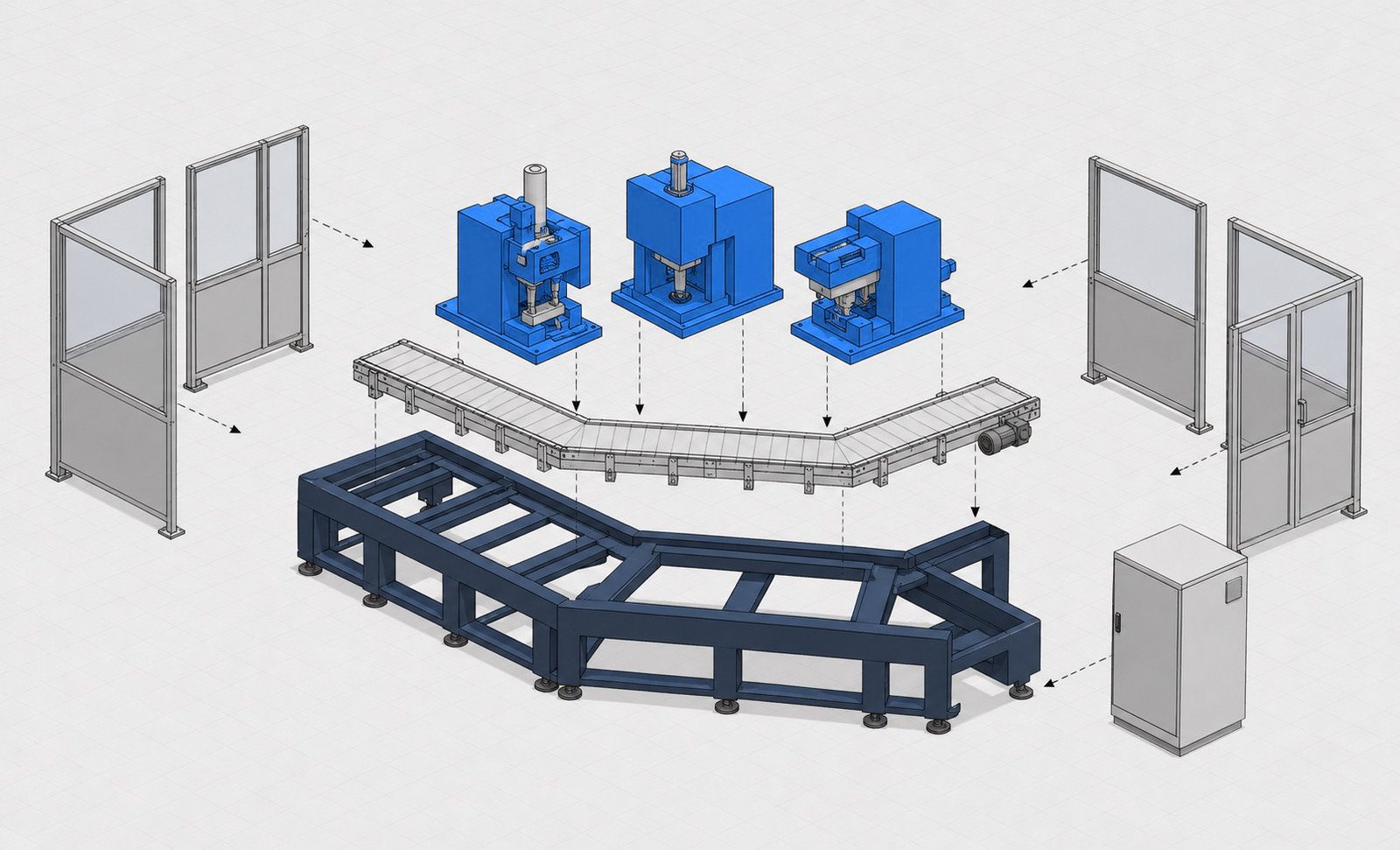
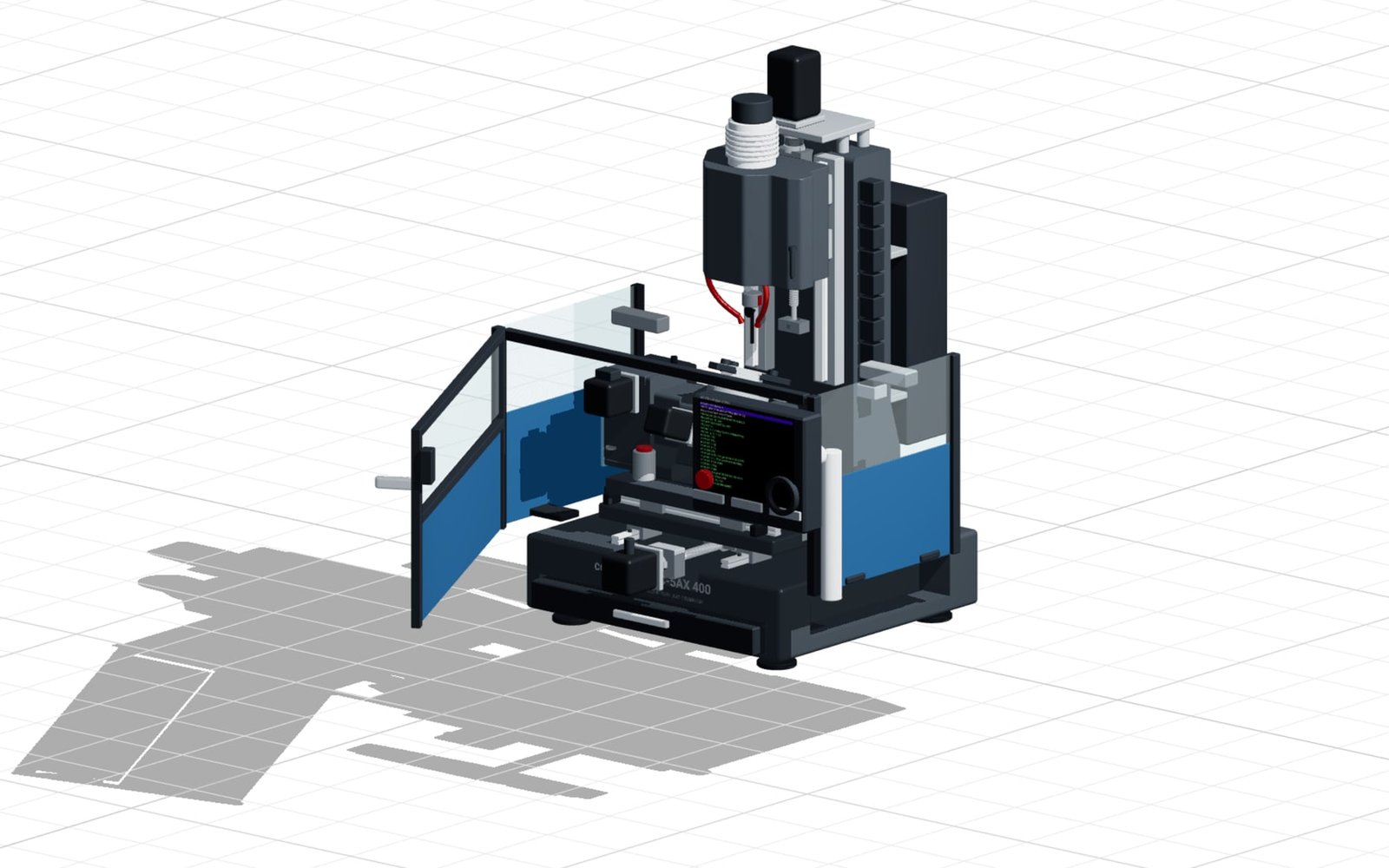
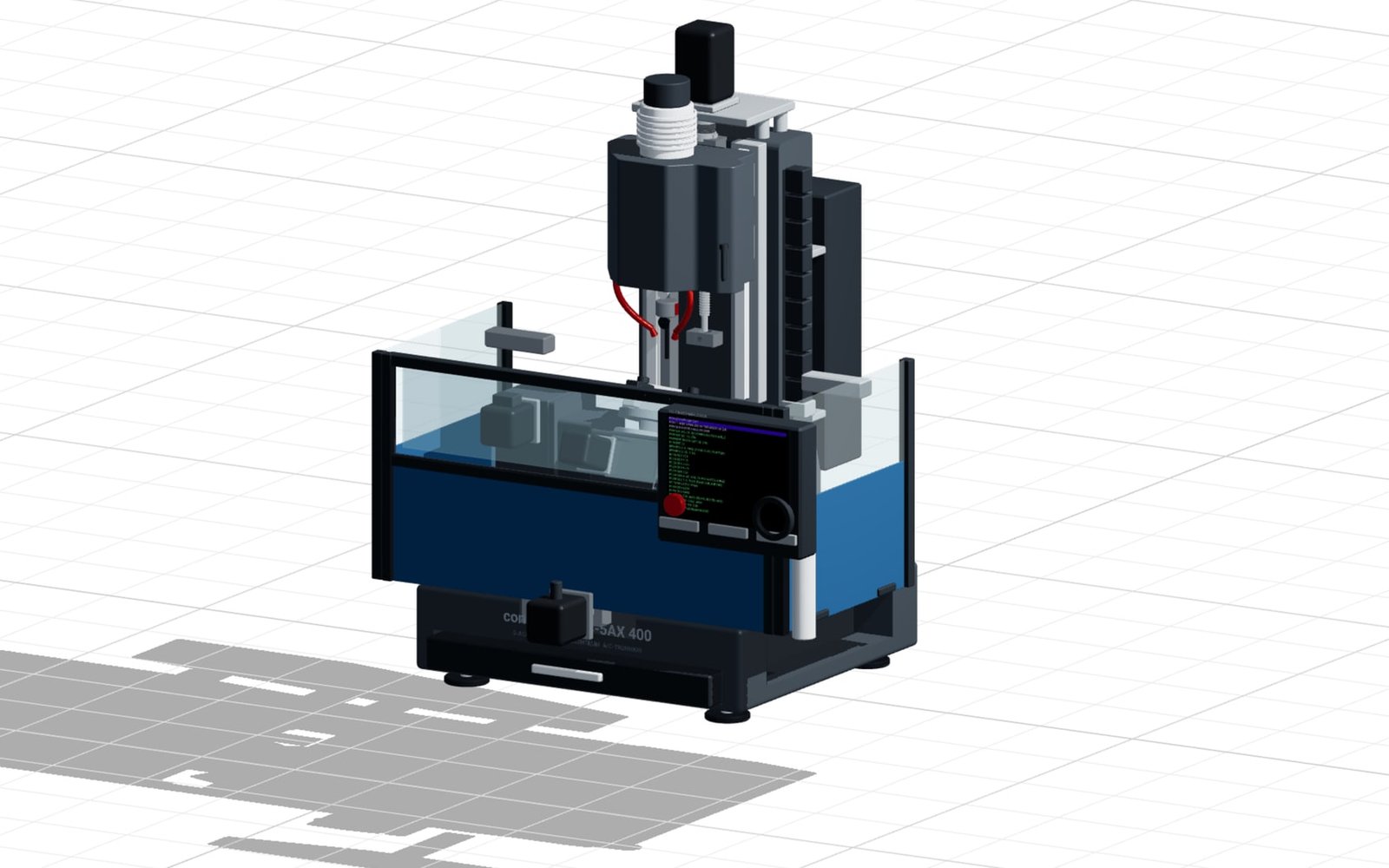
confBuild models machines as connected assemblies, so changing a critical parameter updates the dependent structure, equipment and outputs together.

This could be your product
Model structureConfigurable multi-part machine
VariantsPerformance, mechanics & options
Output3D, parameters, enquiry
Your productas the next pilot →

Product logic that sales can use

One machine.
Every decision connected.

Mechanical modules, drives, safety equipment, tooling and customer interfaces react as one configurable system.

Map my product system
confBuildPRODUCT
LOGIC
01

Machine modules

Base frame, stations and add-on modules form the required machine.

02

Performance & drive

Output, cycle time and payload determine motors, actuators and dimensioning.

03

Safety & interfaces

Guards, controls and upstream or downstream interfaces follow the selected system.

04

CAD & quotation

Parameters and modules are ready for enquiry, BOM, STEP and engineering review.

SYSTEM VIEWProduct logic at a glance
01

Machine modules

Base frame, stations and add-on modules form the required machine.

02

Performance & drive

Output, cycle time and payload determine motors, actuators and dimensioning.

03

Safety & interfaces

Guards, controls and upstream or downstream interfaces follow the selected system.

04

CAD & quotation

Parameters and modules are ready for enquiry, BOM, STEP and engineering review.

Your rules, visually explainedA configuration your customer understands—and your sales team can use.
Discuss a pilot
CONFIGURATIONCapacity · Dimensions · Product · Automation
READY FOR SALESA credible machine concept instead of an open-ended request.
  • ✓ Interactive 3D machine view
  • ✓ Modules, dimensions & performance
  • ✓ Structured basis for CAD and quotation

From requirement to sales-ready variant

A guided 3D workflow turns complex dependencies into a machine concept your customer and your team can understand.

Apply this flow to my product

Powered by the confBuild CAD kernel

Not a render mock-up.
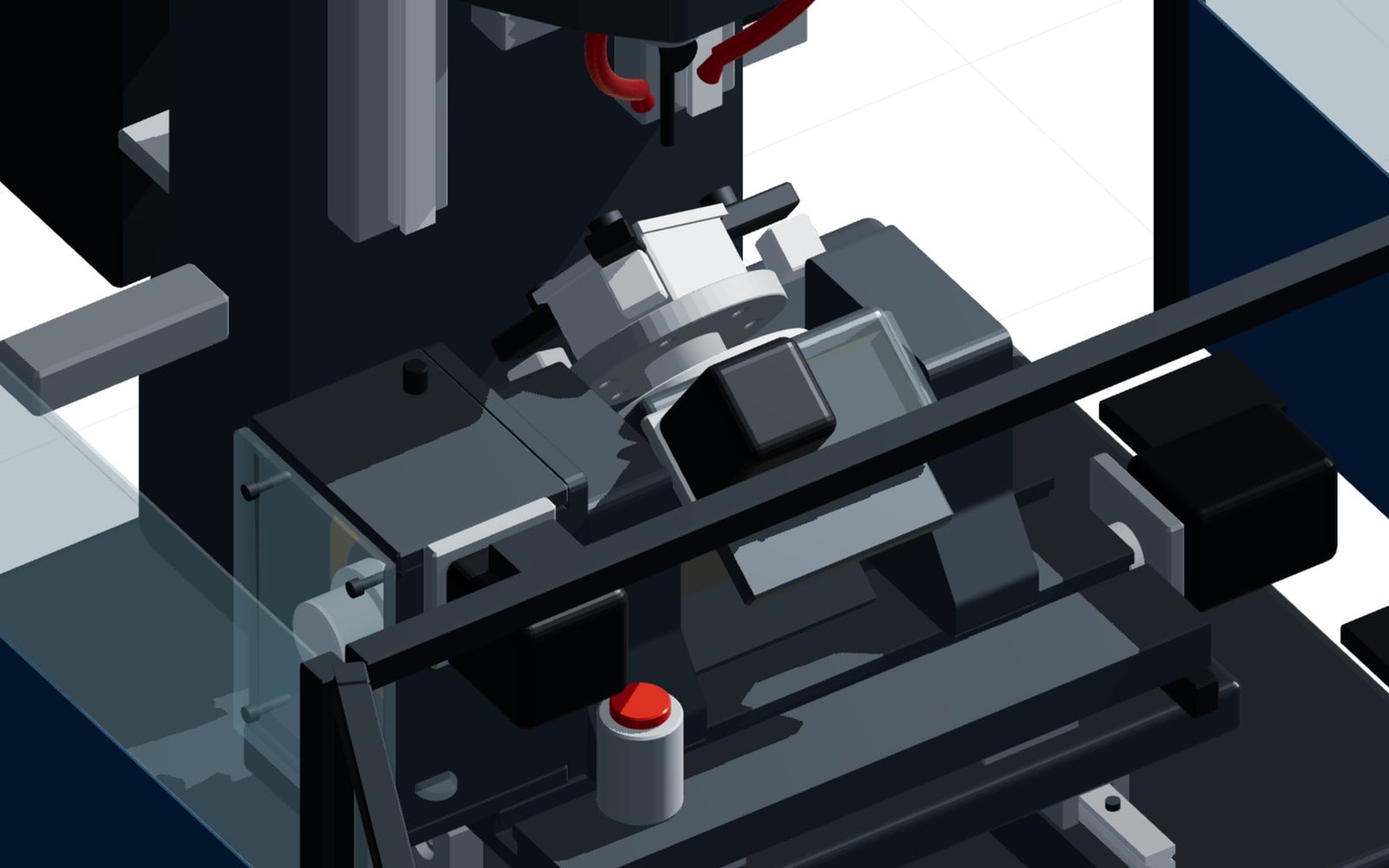
Real parametric geometry.

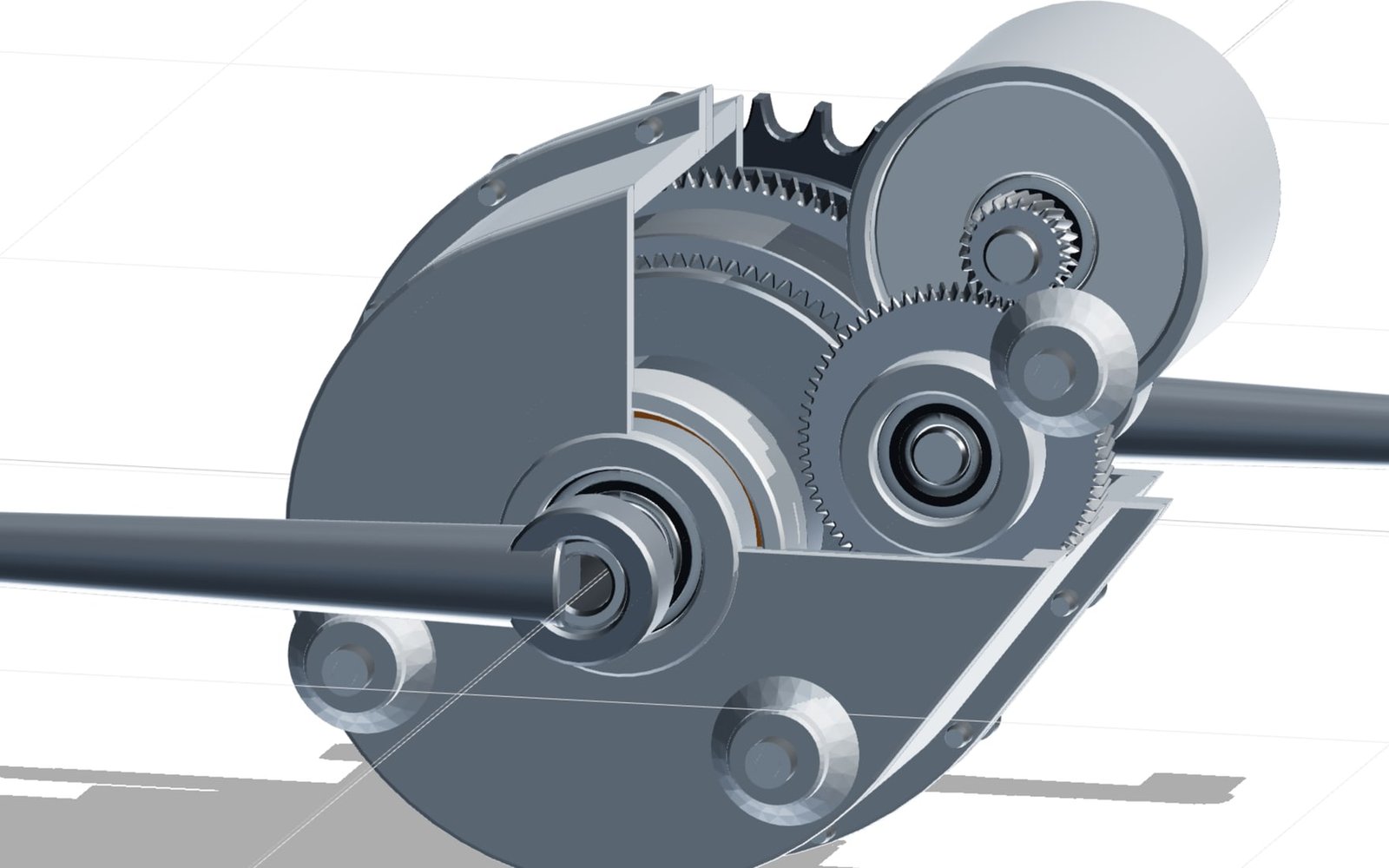
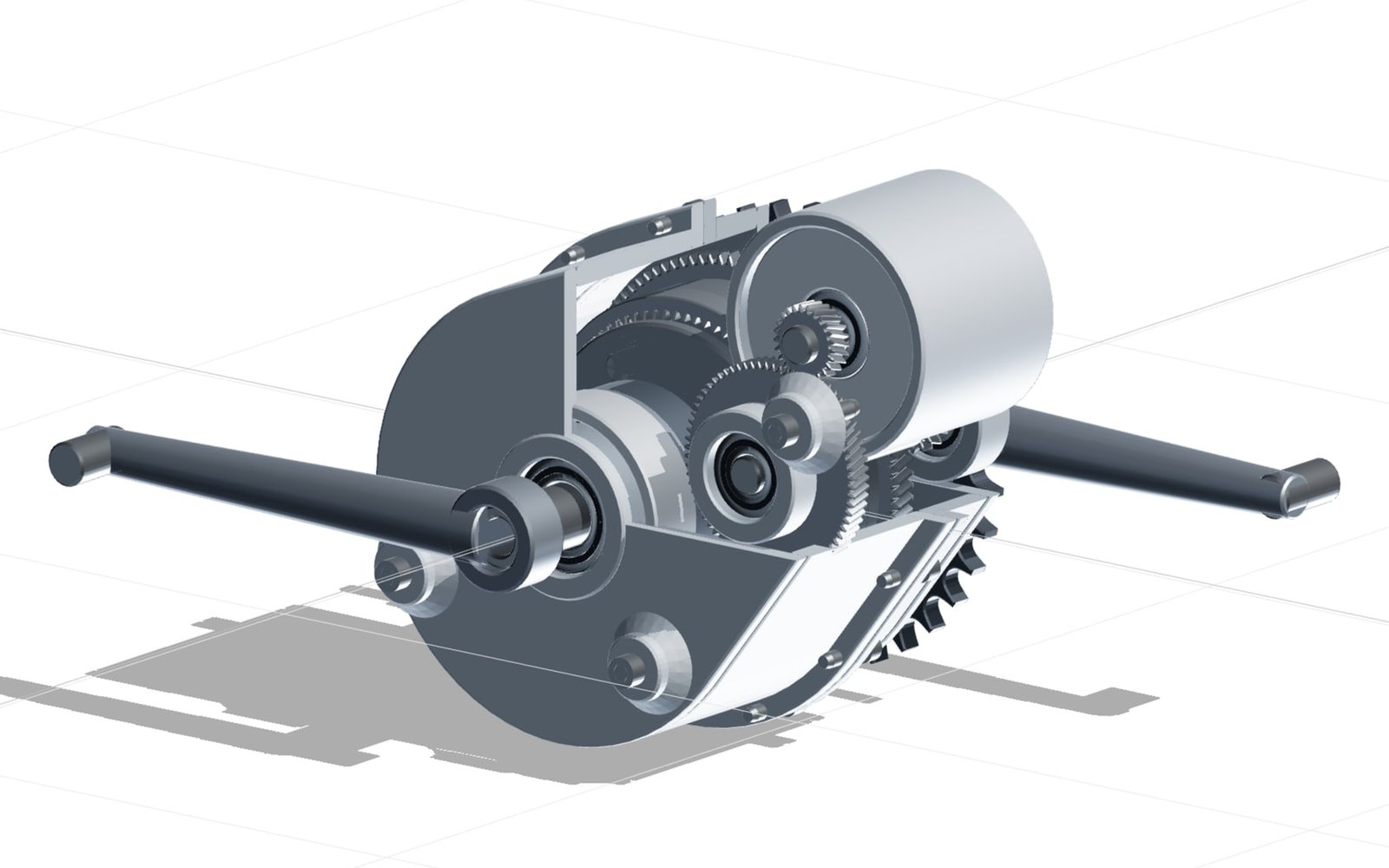
The confBuild CAD kernel regenerates the machine from product parameters and rules. Change a key dimension or performance target and dependent modules respond as one coherent system.

Experience the CAD kernel
INPUTCapacity · Dimensions · Product · Automation
confBuildCAD
KERNEL
PARAMETRIC ENGINE
OUTPUT3D modelAssembliesBOM & data
01

Deterministic

The same parameters reliably produce the same geometry—reproducible instead of merely similar.

02

Assembly-aware

Parts and accessories remain connected through clear dependencies and product rules.

03

Useful downstream

Structured parameters and component data can feed enquiries, BOMs and subsequent workflows.

04

Browser-native

Interactive in the web browser—without local CAD installation and directly in your sales experience.

More than a beautiful 3D view

A tool for
sales and customers.

Bring commercial guidance and engineering logic into the same browser workflow—from first conversation to a CAD-ready enquiry.

Check the potential for my range
01

Explain complex machines

Customers understand scope and options through a live 3D system.

02

Protect engineering capacity

Rules catch incompatible combinations before they become engineering questions.

03

Quote with confidence

Sales begins with defined machine requirements rather than clarification loops.

04

Reuse configuration data

Parameters can feed CAD, BOM, CRM and downstream processes.

Focused remote pilot

One product family.
Clear scope.

  1. 01

    Choose a machine family

    We select a frequently quoted machine with meaningful but manageable variant logic.

  2. 02

    Configure a focused pilot

    We build the 3D model, guided selection and handover as a focused prototype.

  3. 03

    Improve with real enquiries

    The pilot runs in your brand and becomes sharper with sales and engineering feedback.

Ready to configure your machines?

The next machine starts in the browser.

In 20 minutes we identify the machine family with the clearest configurator potential.

Discuss pilot scope Remote · Directly with the developer